Referrals
External referrals: facility, specialty, urgency, and follow-up tracking.
Who can use this
- NURSE
- ADMIN
Path
/health/referrals
Dependencies
- Learner identified; clinic visit often precedes referral.
- Update status Start / Complete / Cancel as the case moves.
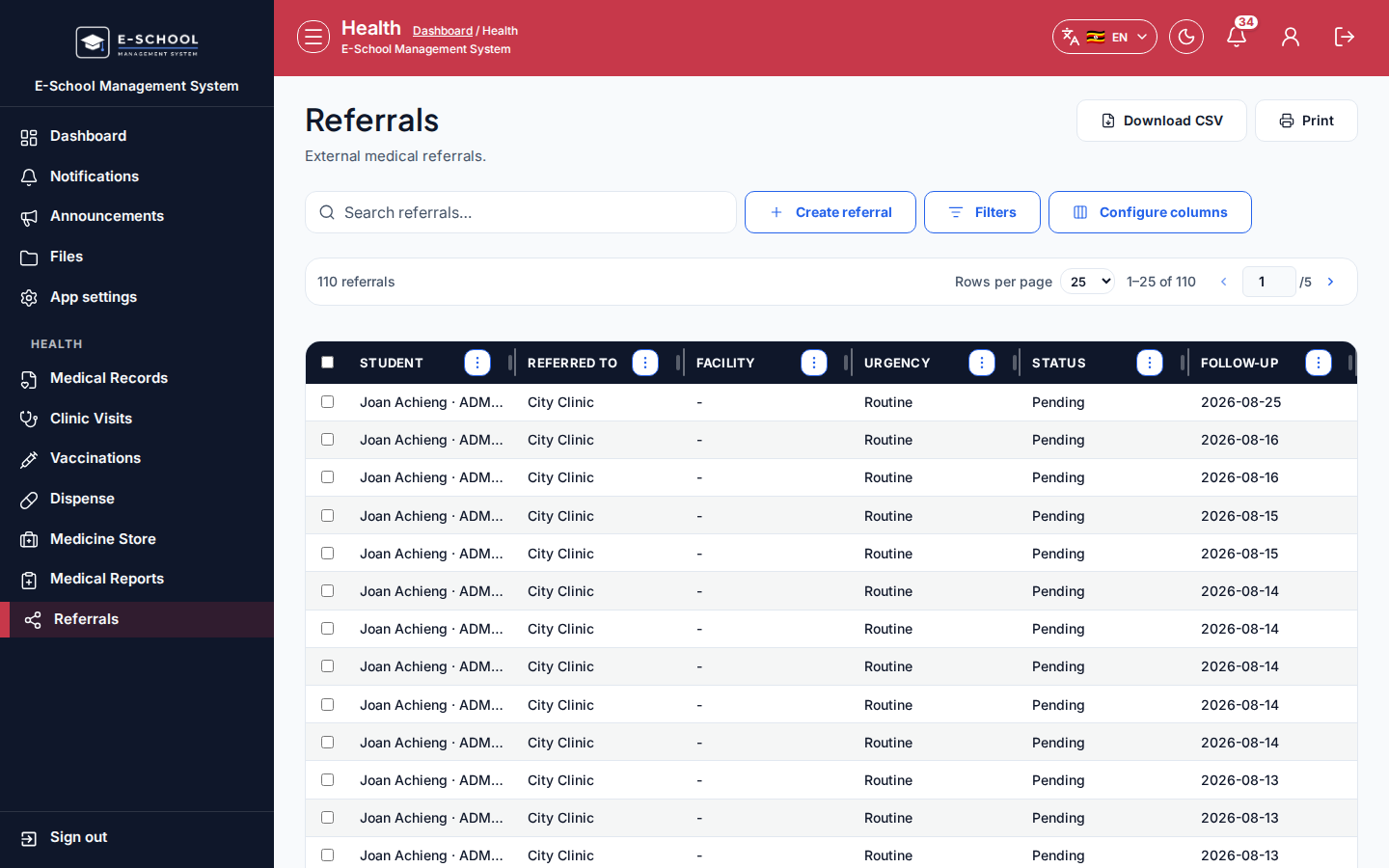
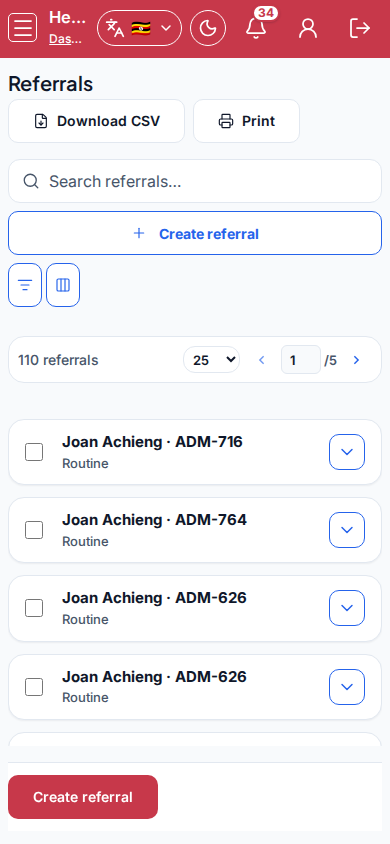
Screenshot
Steps
- Open Referrals at
/health/referralsas NURSE. - Click Create referral. Fill Student, Referred to, Facility, Specialty, Urgency (Routine/Urgent), Follow-up, Reason, then save.
- Filter status All / Pending / In progress / Completed / Cancelled.
- Use Start, Complete, or Cancel as appropriate.
- Link back to Clinic visits for the originating encounter.
Fields and actions
- Create referral / Start / Complete / Cancel / Clinic visits
- Student, Referred to, Facility, Specialty, Urgency, Follow-up, Reason
- Status filter
Common mistakes
- Leaving Pending forever
- Urgent without follow-up date
- Wrong facility name