Invoices
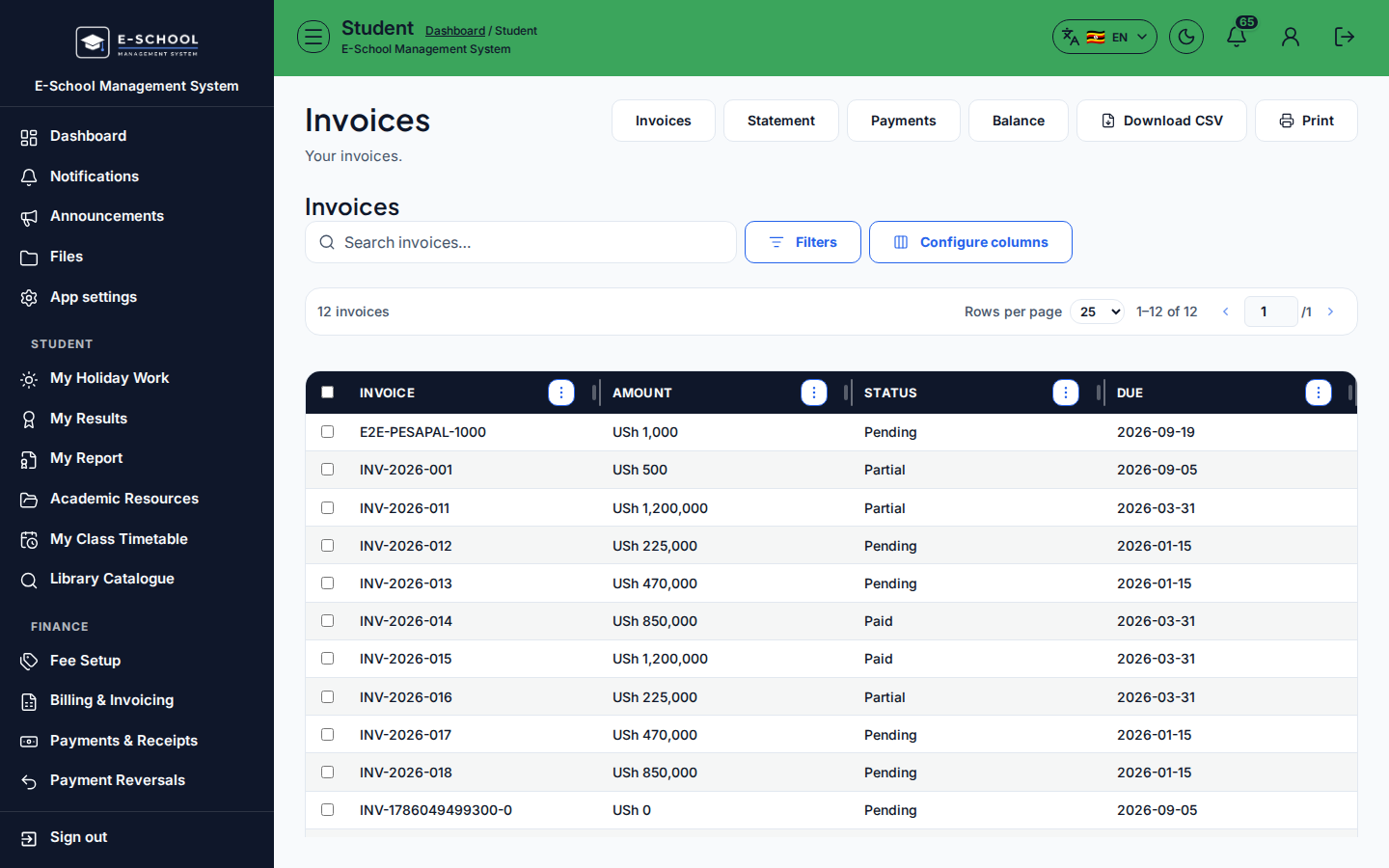
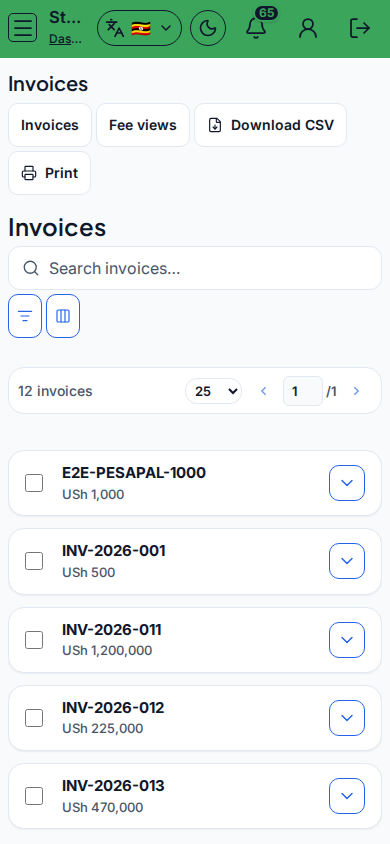
Student invoices list within the fees area.
Who can use this
- STUDENT
- ADMIN
Path
/student/invoices
Dependencies
- Finance generated invoices.
- Status Pending/Partial/Paid mirrors billing.
Screenshot
Steps
- Open Invoices at
/student/invoicesas STUDENT. - Review invoice rows (amount, status, due).
- Cross-check Payments tab after you pay at the office.
- Use Balance tab for a single due figure.
- Ask finance if an invoice looks duplicated.
Fields and actions
- Fees nav tabs: Statement / Invoices / Payments / Balance
- Invoice list fields: Amount, Status, Due
Common mistakes
- Paying the wrong invoice period
- Ignoring Partial status