Scoresheets
Scoresheet printout for an exam with scope filters for missing or present scores.
Who can use this
- ADMIN
Path
/admin/printouts/scoresheet
Dependencies
- Exam exists; marks entered/published as required.
- Scope helps find missing scores before meetings.
Screenshot
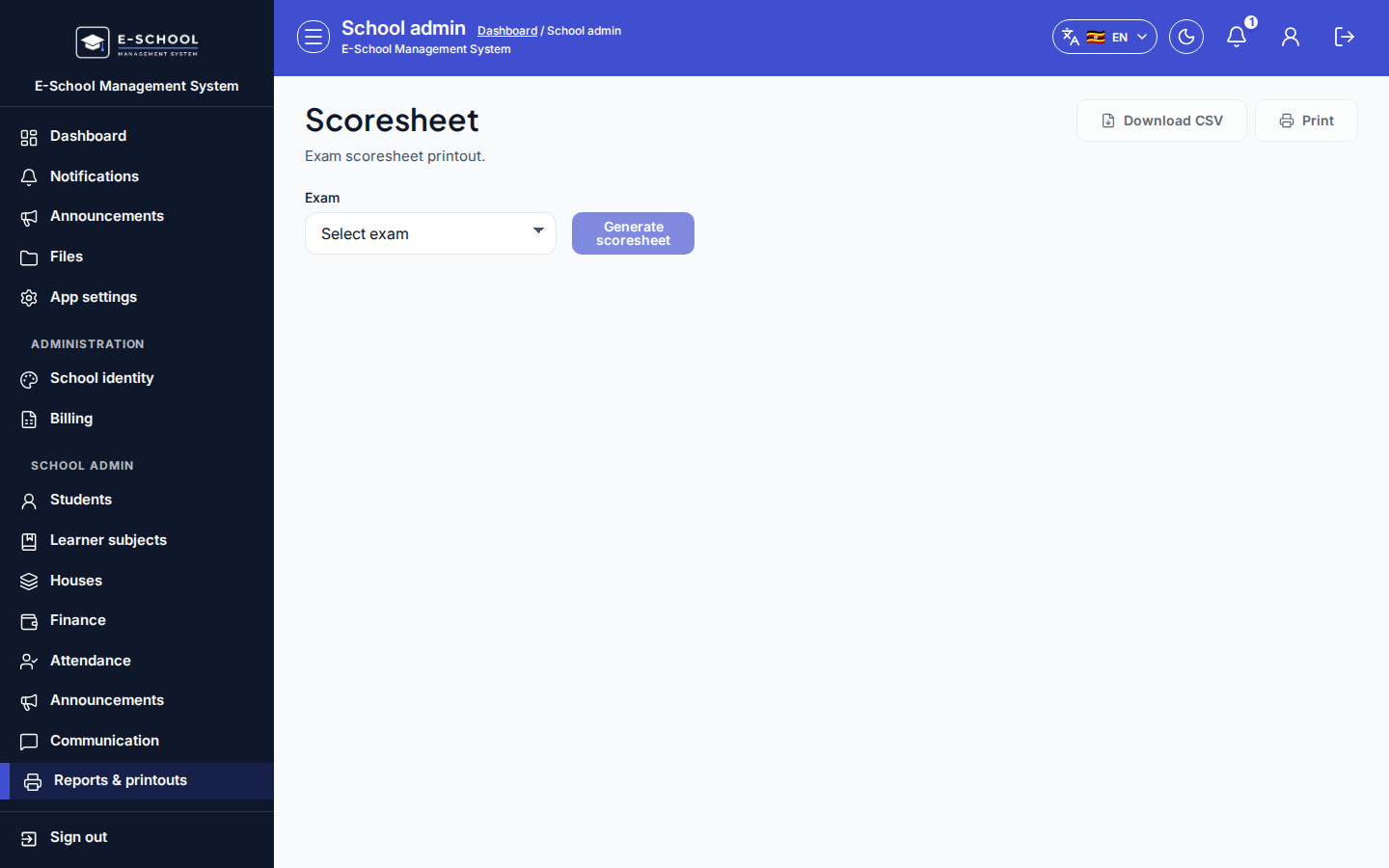
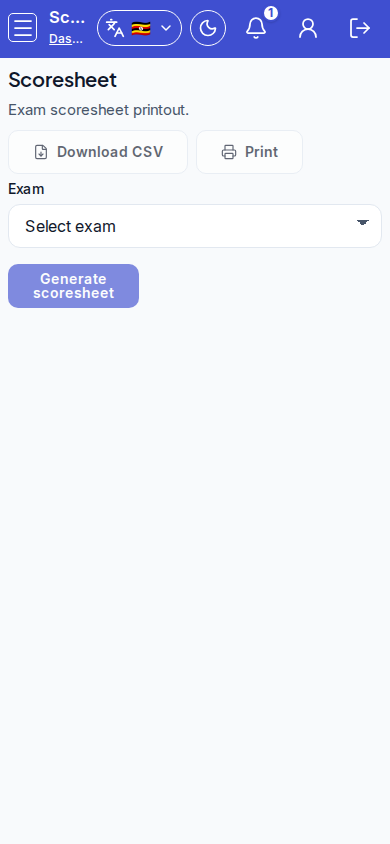
Steps
- Open Scoresheets at
/admin/printouts/scoresheetas ADMIN.
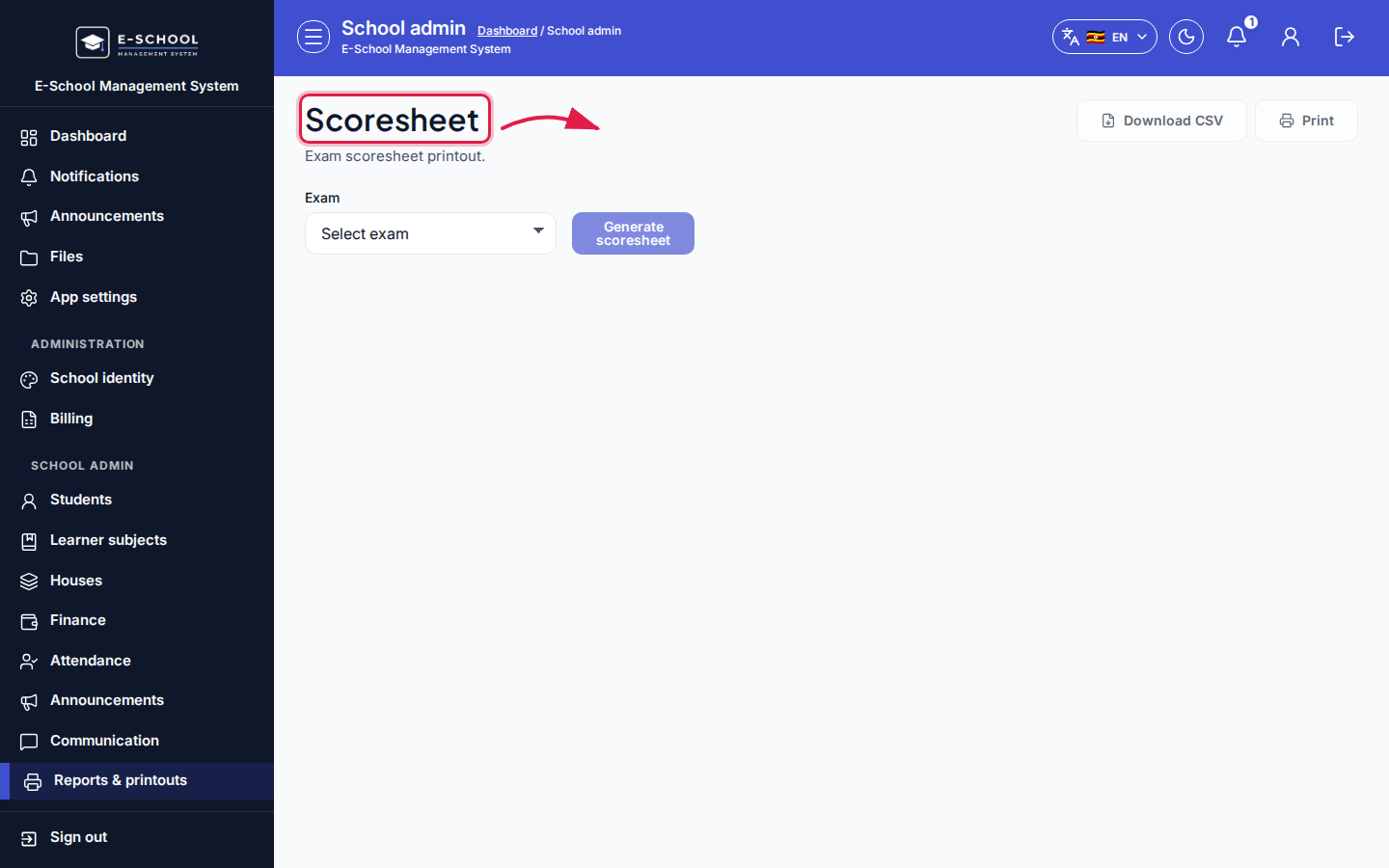 Desktop - focus for step 1
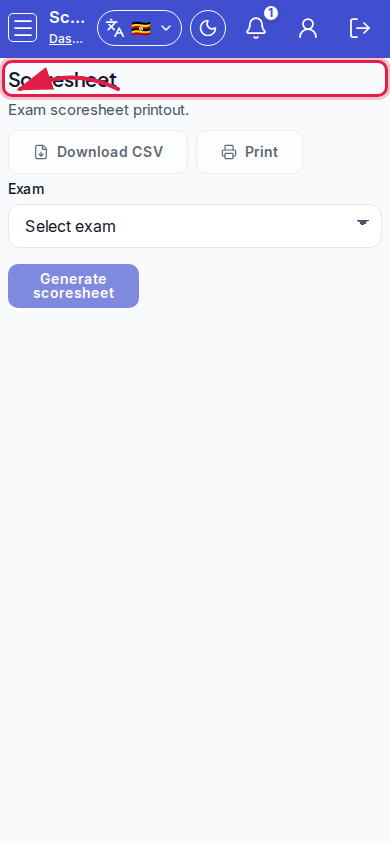 Mobile - focus for step 1
- Select Exam. Set scope: All learners / With score only / Missing score only.
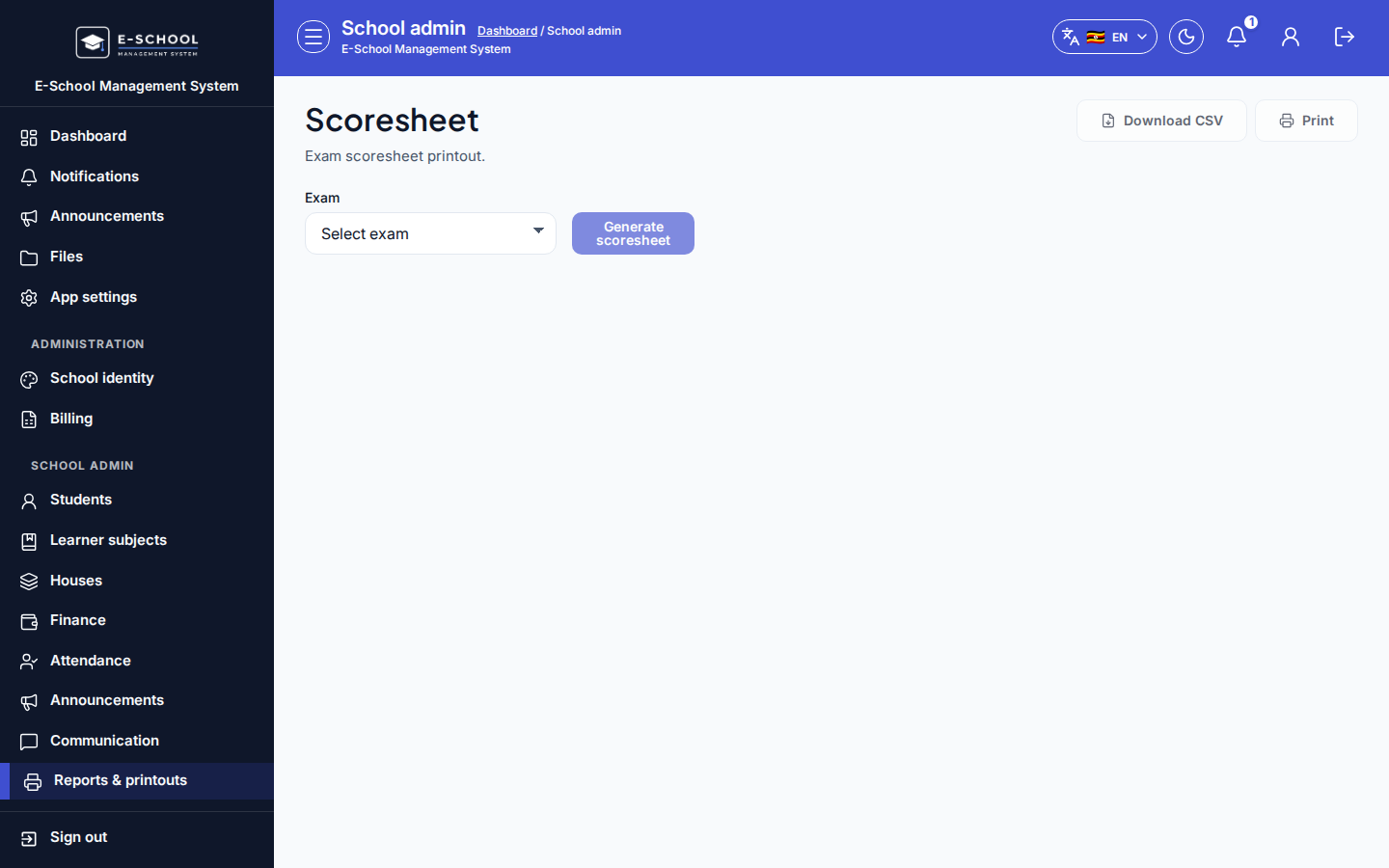 Desktop - focus for step 2
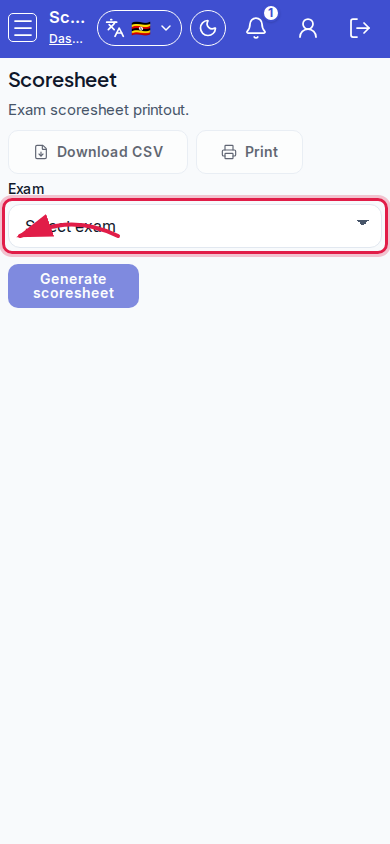 Mobile - focus for step 2
- Review Remarks, Grade, Score columns.
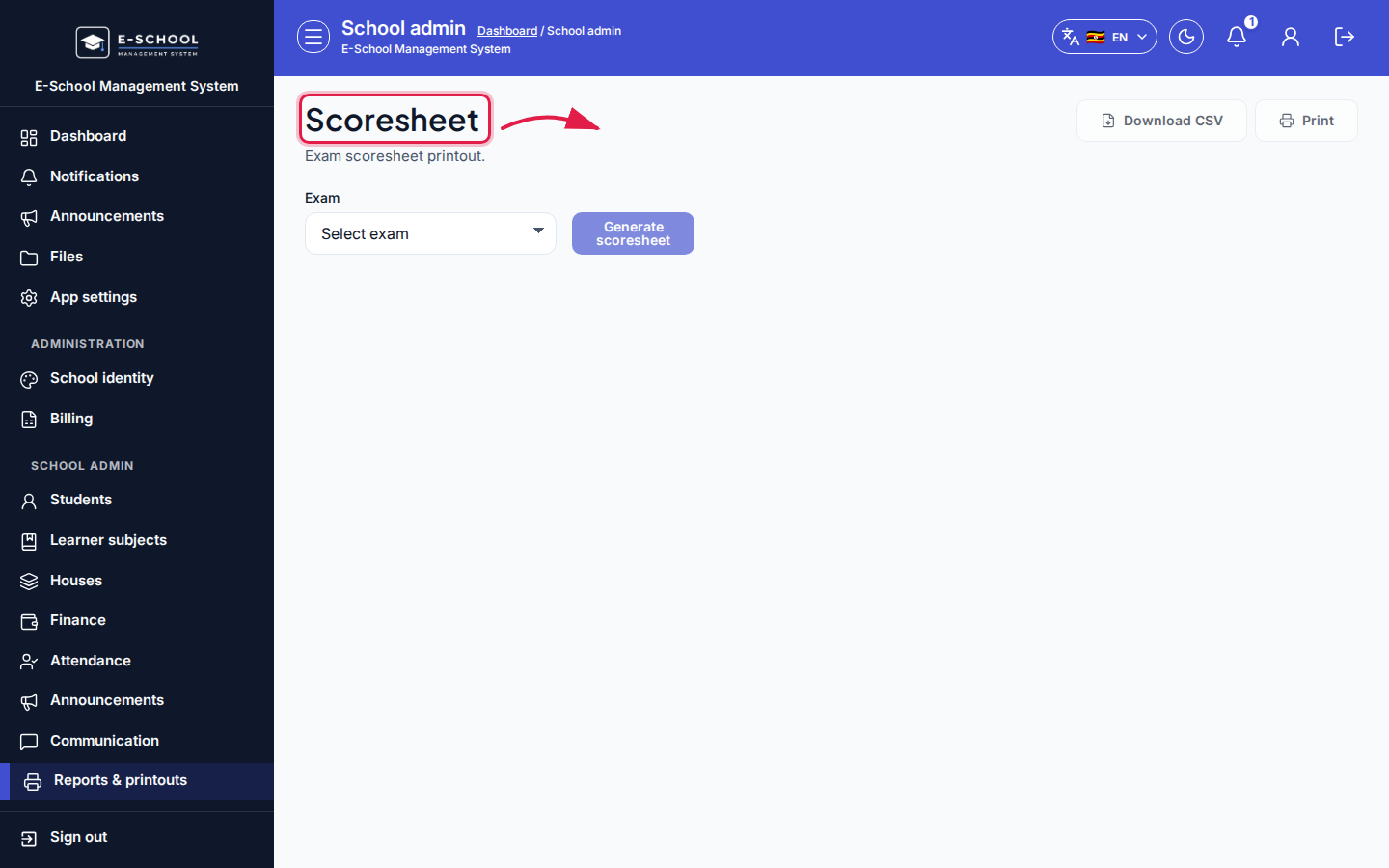 Desktop - focus for step 3
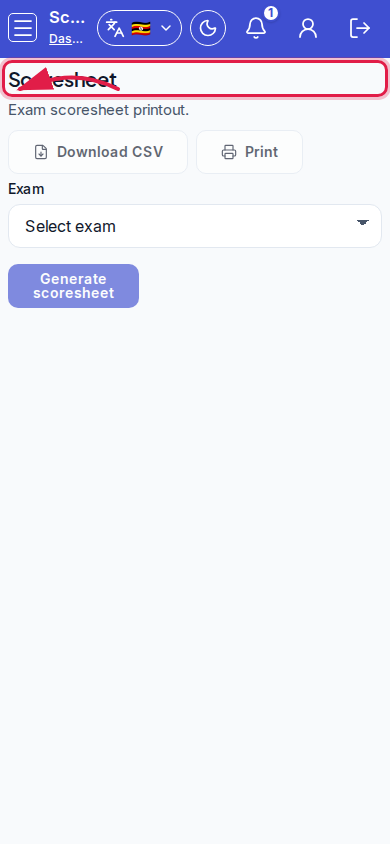 Mobile - focus for step 3
- Print or export. Send missing-score lists to subject teachers.
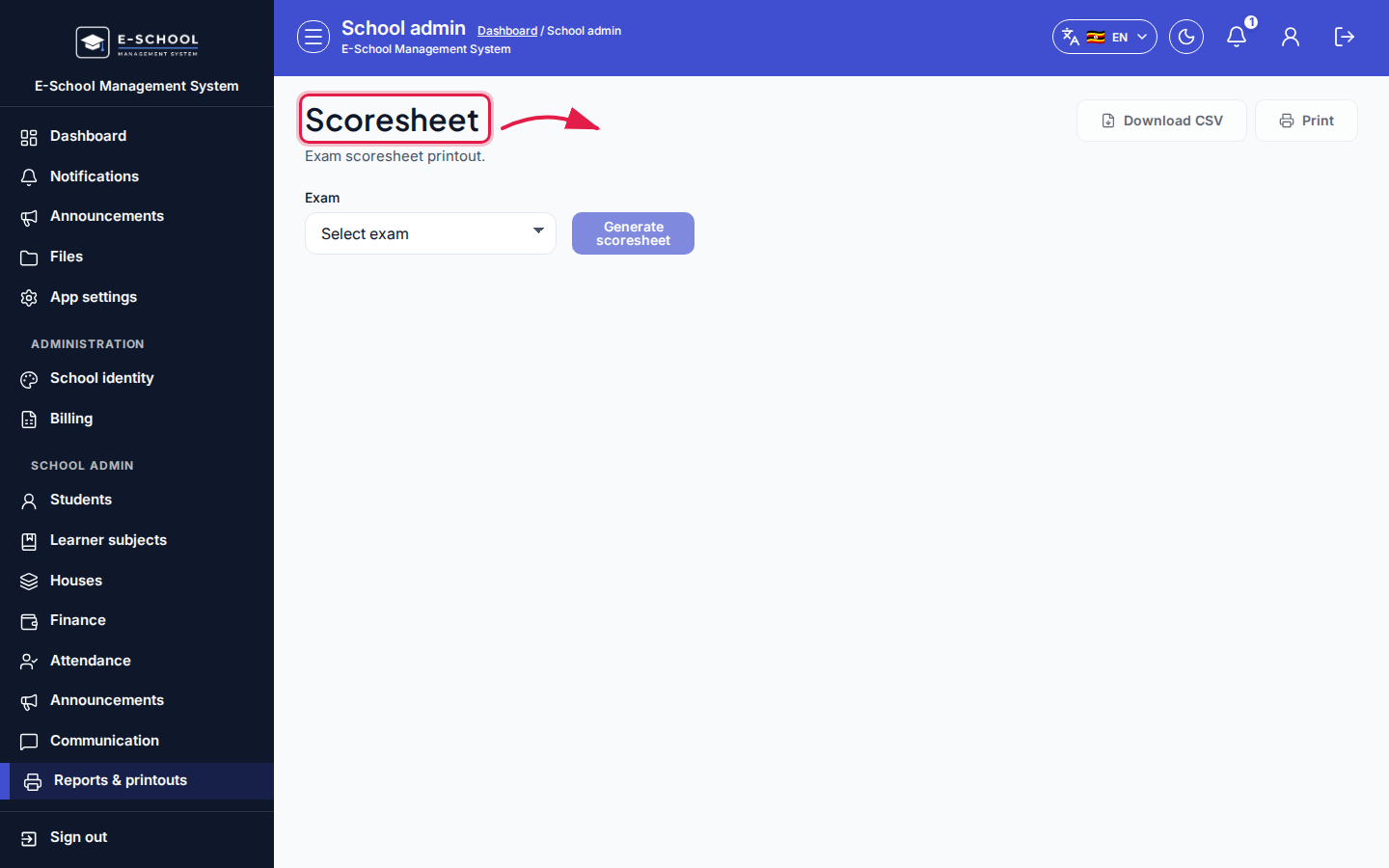 Desktop - focus for step 4
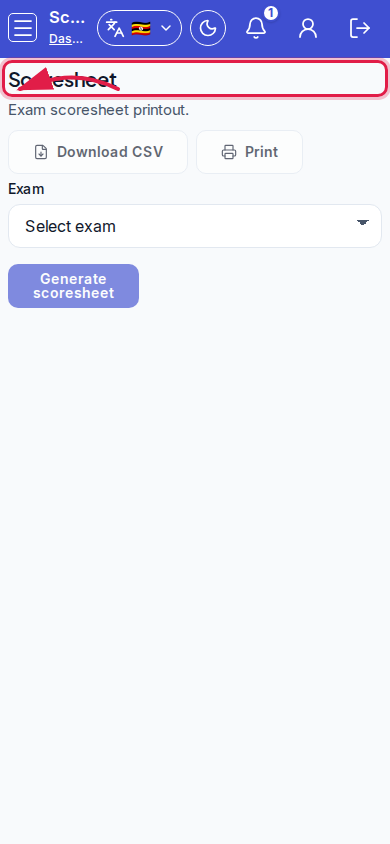 Mobile - focus for step 4
- Return to Marks entry to fill gaps, then reprint.
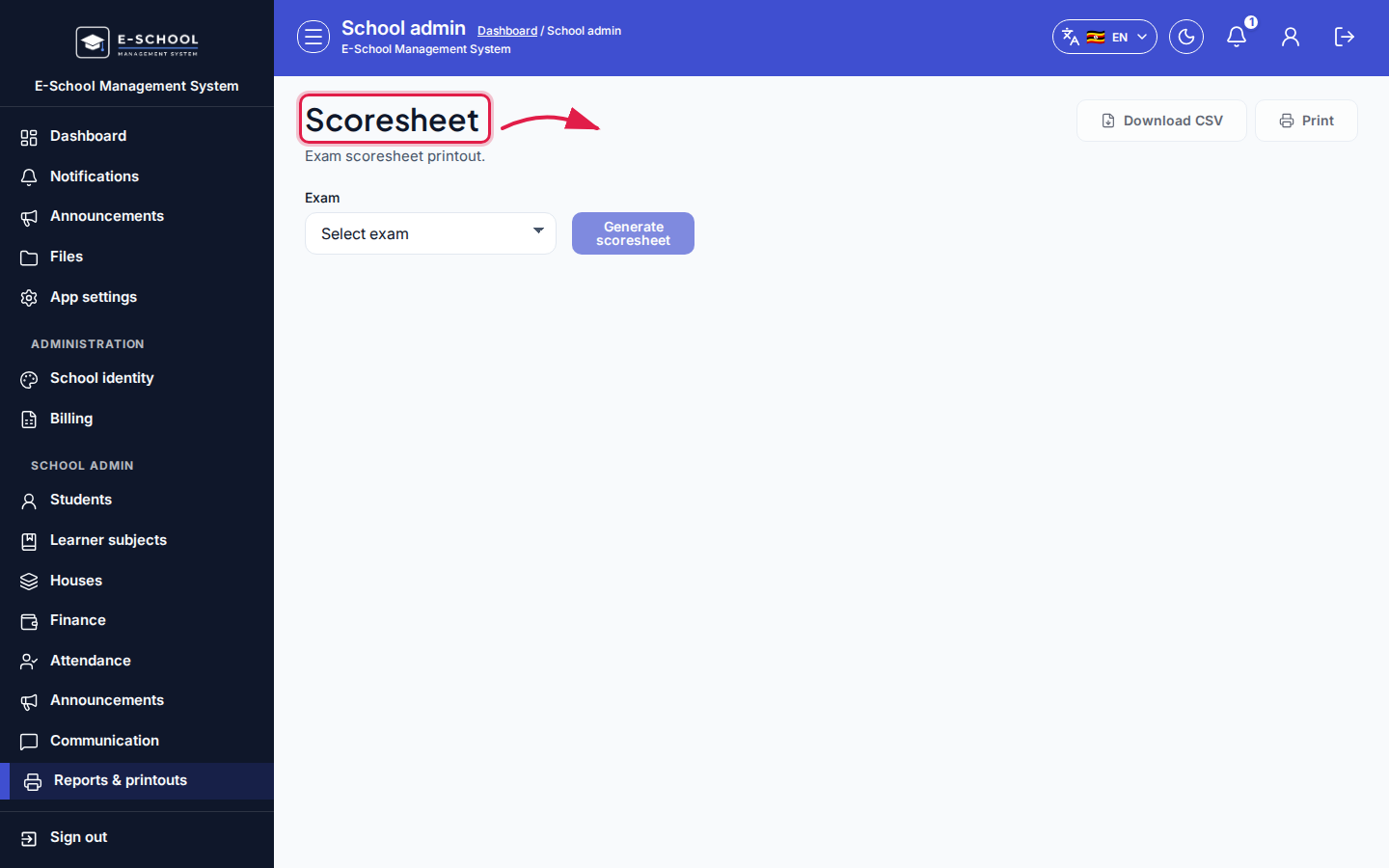 Desktop - focus for step 5
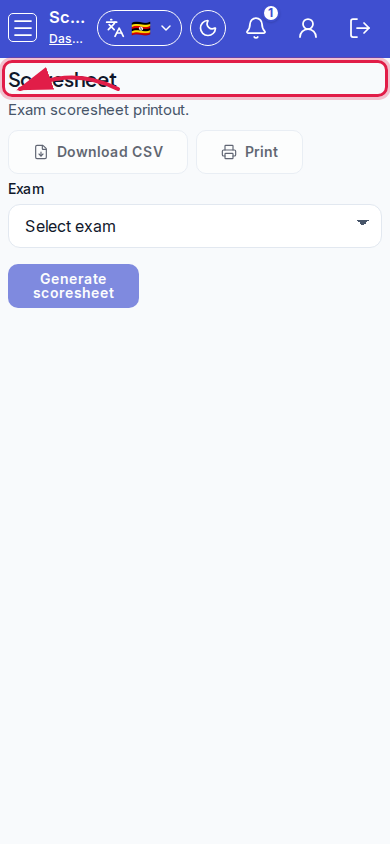 Mobile - focus for step 5
Fields and actions
- Exam filter; scope All / With score only / Missing score only
- Columns: Remarks, Grade, Score
Common mistakes
- Printing Missing score only as the official full sheet
- Wrong exam selected